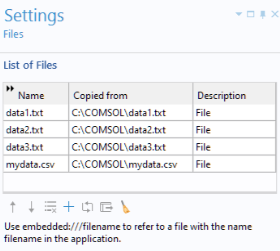
Files
The
Files
library is empty by default. Click the
Add File to Library
button to embed files of any type in your application.
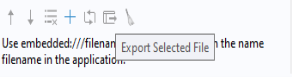
Click the
Export Selected File
button to the right of the
Add File to Library
button to export a selected file.
The embedded files can be referenced in a method by using the syntax
embedded:///data1.txt
,
embedded:///data2.txt
, and so on. For more information, see
File
,
Appendix C — File Scheme Syntax
, and
File Methods
.