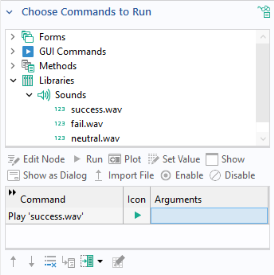
The Sounds library contains a few preloaded sounds in the WAV-file format. If you wish to embed other sound files, click the
Add File to Library button below the
List of Sounds. A larger selection of sounds is available in the COMSOL installation folder in the location
data/sounds.
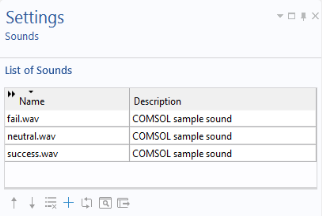
Click the Export Selected Sound File button to the right of the
Preview button to export a selected sound.
To play a sound in an application, add a command in the Settings window of a button, ribbon, menu, or toolbar item. In the
Choose Commands to Run section, select the sound and click the
Run button below the tree. This adds a
Play command to the command sequence, as shown in the figure below.