The Images library contains a number of preloaded sample images in the PNG file format to be used as icons in apps. If you wish to embed other image files, click the
Add File to Library button below the
List of Images. A large selection of icons is available in the COMSOL installation folder in the location
data/icons. Images can be referenced in image form objects, in methods, or, in the form of icons, in various form objects. For images used as icons, two sizes are available: 16-by-16 pixels (small) and 32-by-32 pixels (large).
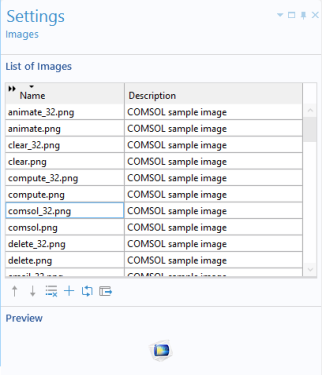
To preview an image, click the name of the image in the List of Images. The image is displayed in the
Preview section
To export a selected image, click the Export Selected Image File button to the right of the
Preview button.