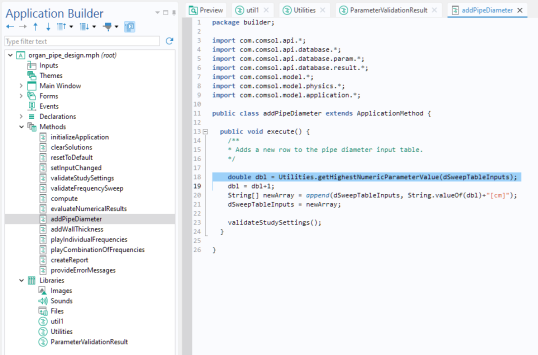
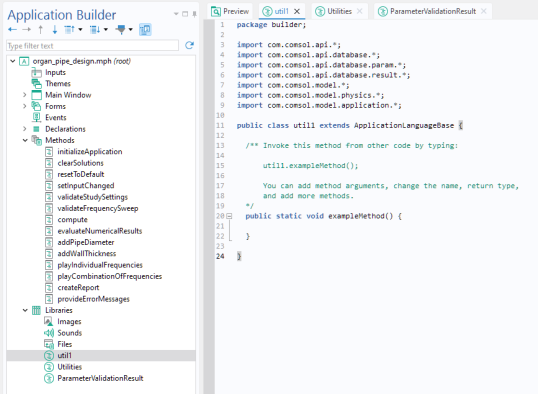
A Utility Class node contains a utility class with methods that can be called from other methods in your application. Utility classes support standard Java syntax and class structure.
The name of the utility class must match the tag of the Utility Class node. If the
Utility Class node is named
util1, you can call the method above from another method using:
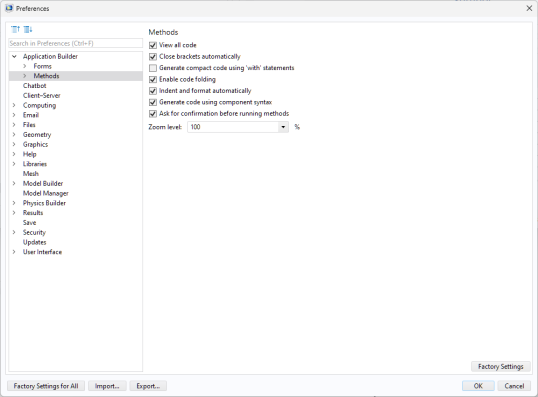
When working with utility classes, it is often useful to enable the View all code setting under
Preferences > Application Builder > Methods. This setting allows you to view the full class structure and add import statements for Java libraries.
The figure below shows a (renamed) utility class Utilities from the Organ Pipe Designer app, available in the Application Libraries under the Acoustics Module.
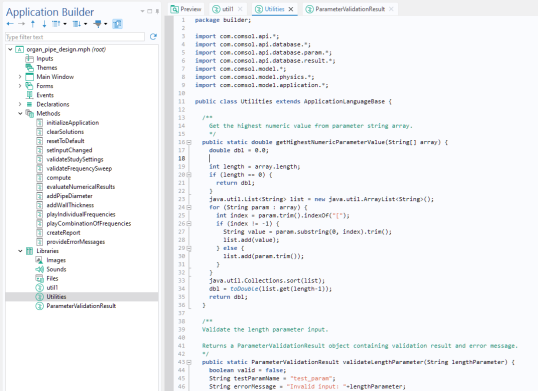
Unlike standard methods, utility class methods are not restricted to the data types defined in the Declarations node. They can accept and return general Java types, including custom data types. Such custom data types are defined using class definitions, where you specify the structure and behavior of your own Java objects.