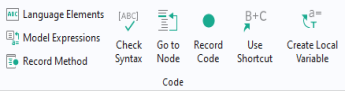
Click Check Syntax in the
Method ribbon tab to see messages in the
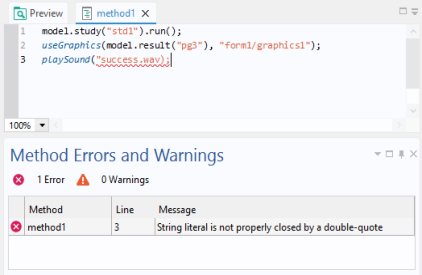
Method Errors and Warnings window related to syntax errors or warnings about unused variables.
In addition to messages in the Method Errors and Warnings window, syntax errors are indicated with a wavy red underline, as shown in the figure below.
Text from this window can be copied to the clipboard by right-clicking and selecting
Copy to copy the selected cells, or
Select All to copy all cells.