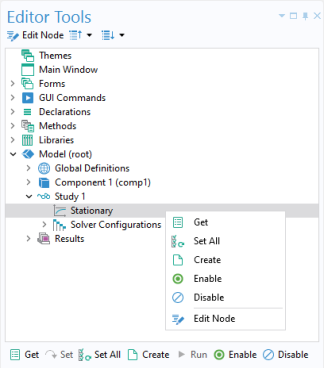
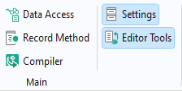
To display the Editor Tools window, click the corresponding button in the
Main group in the
Home tab.
When using the Editor Tools window in the Method Editor, you can right-click a node in the editor tree to generate code associated with that node. Depending on the node, up to eight different options are available:
The Editor Tools window is also an important tool when working with the Form Editor. For more information, see
Editor Tools in the Form Editor.
If you position the mouse pointer in "surf1" and press F11 on the keyboard, right-click and select
Go to Node, or click
Go to Node in the ribbon, then the corresponding
Surface plot note is highlighted in the
Editor Tools window.
Click Edit Node to open its
Settings window. For more information on keyboard shortcuts, see
Appendix D — Keyboard Shortcuts.