Form objects and other user interface components are referenced in methods by using a certain syntax. For example, using the default naming scheme form3/button5 refers to a button with the name
button5 in
form3 and
form2/graphics3 refers to a graphics object with the name
graphics3 in
form2. You can change the names of forms and form objects. For example, if
form1 is your main form, then you can change its name to
main.
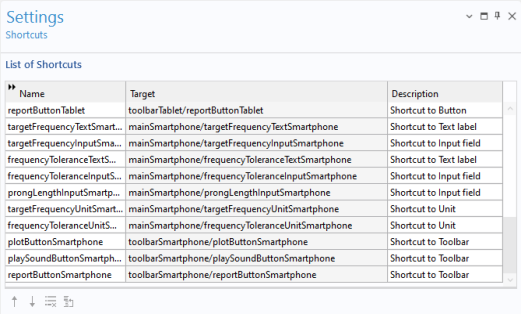
In the Settings window for
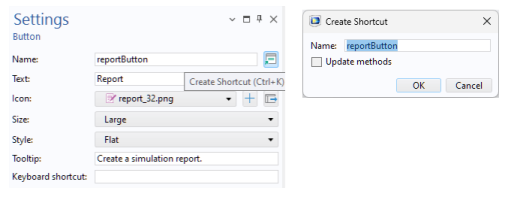
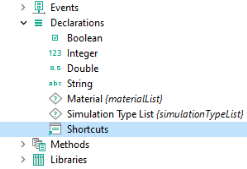
Shortcuts below, a number of shortcuts have been created for a button, text labels, input fields, units, and toolbars.
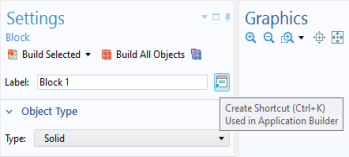
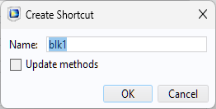
Shortcuts are also available in the Model Builder, for use with the Application Builder. In the Settings window of a model tree node, click the button to the right of the
Label field and type a name of your choice.