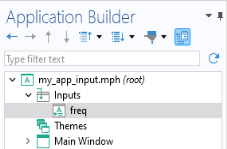
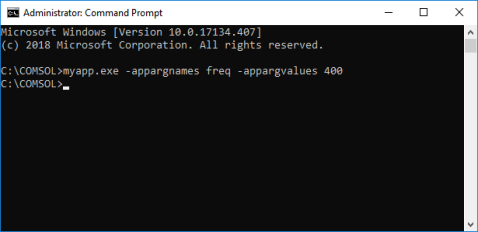
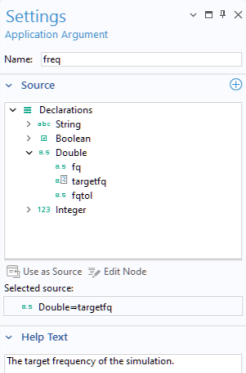
Command-line arguments are automatically written to the declarations you define as Selected source, in the corresponding
Settings window for an
Application Argument. They can be used, for example, to provide input data or configuration settings.
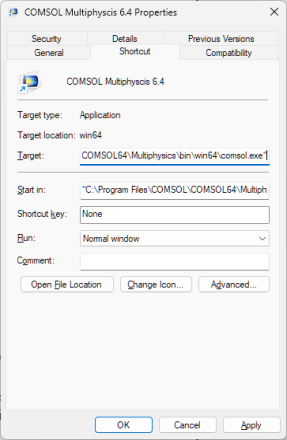
Alternatively, you can copy and paste the COMSOL Multiphysics 6.4 Windows
® Desktop shortcut icon (in order to keep the original shortcut), right-click the icon, and select
Properties; as shown in the figure below.
This example uses an application argument interpfile, which is linked to a file declaration to read the interpolation file
simpleinterp.txt when launching the application. This file is then used in an interpolation function in the application’s embedded model.