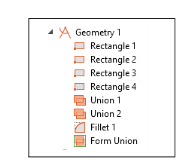
|
1
|
|
3
|
In the Width text field, type r_p (parameter name for pipe radius).
|
|
4
|
In the Height text field, type l_p (parameter name for pipe length).
|
|
3
|
In the Width text field, type r_c (parameter name for chamber radius).
|
|
4
|
In the Height text field, type l_c (parameter name for chamber length).
|
|
5
|
Locate the Position section. In the z text field, type zpos_c (chamber position along the pipe).
|
|
3
|
|
4
|
|
3
|
|
4
|
|
5
|
In the Radius text field, type 0.3[cm].
|
 Rectangle in the Geometry ribbon tab.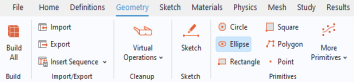
 Build Selected.
 Rectangle.
 Build Selected.
 Rectangle.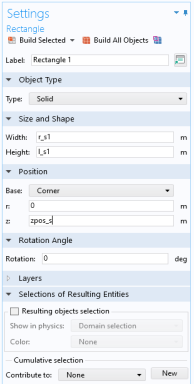
 Build Selected.
 Rectangle.
 Build Selected.
 Booleans and Partitions and choose
  Union.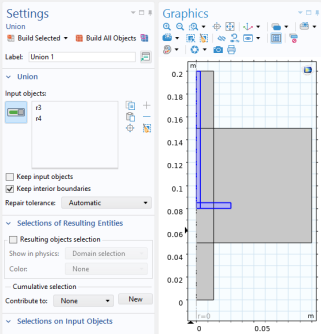
 Build Selected.
 Booleans and Partitions and choose
  Union.
 Build Selected.
 Fillet.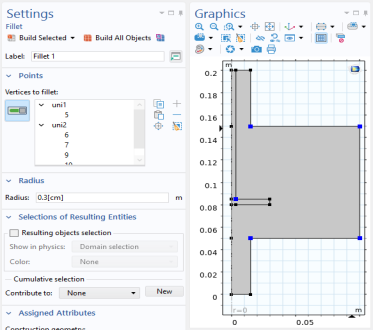
 Build All Objects.