Mesh 1
1
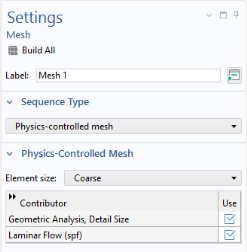
In the Model Builder click Mesh 1
.
2
In the Settings window for Mesh, locate the Physics-Controlled Mesh section. From the Element size list, choose Coarse.
The physics-induced mesh automatically introduces a mesh that is a bit finer on the walls than the free stream mesh.
3
Click the Build All button
.
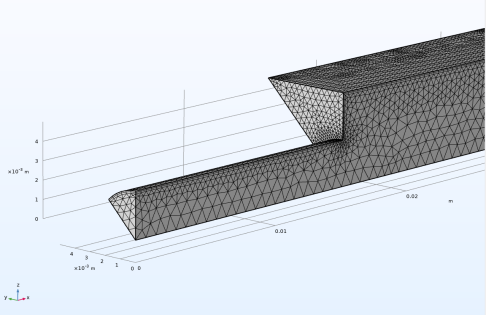
The figure below shows the boundary layer mesh at the walls. Zoom in to the mesh using the zoom function in the Graphics toolbar
to confirm that it matches the figure.
 .
.
 .
. to confirm that it matches the figure.