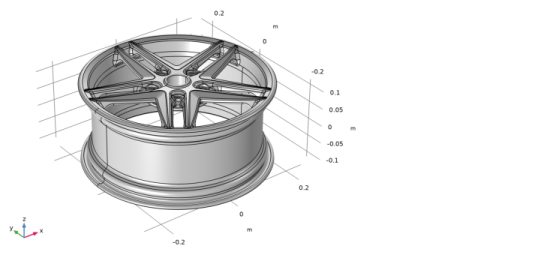
Importing the Geometry
Before importing the CAD file, make sure that the CAD kernel is used.
1
In the Model Builder window, under Component 1 (comp1) click Geometry 1.
2
In the Settings window for Geometry, from the Geometry representation list, choose CAD kernel.
3
In the Home toolbar click ImportĀ
.
4
In the Settings window for Import click the Browse button.
5
In your COMSOL installation directory navigate to the folder
applications/
CAD_Import_Module
/
Tutorial_Examples
and double-click the file
wheel_rim.x_b
.
6
Click Import.