|
2
|
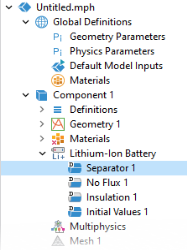
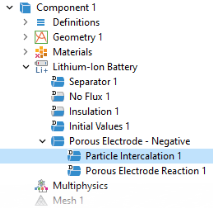
In the Settings window for Porous Electrode, type Porous Electrode - Negative in the Label text field.
|
|
5
|
|
6
|
|
7
|
|
2
|
|
3
|
|
3
|
|
1
|
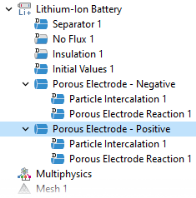
In the Physics toolbar, click
 Domains and choose Porous Electrode and rename the node by typing Porous Electrode - Positive in the Label text field. Domains and choose Porous Electrode and rename the node by typing Porous Electrode - Positive in the Label text field. |
|
4
|
|
5
|
|
6
|
|
1
|
Click Particle Intercalation 1 child node and in the Particle Transport Properties section, in the rp text field, type rp_pos.
|
|
4
|
|
5
|
 Domains and choose Porous Electrode.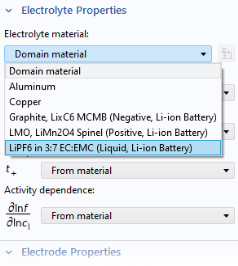
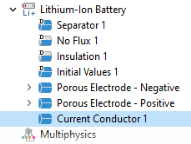
 Domains and choose Current Conductor.
 Boundaries and choose Electric Ground.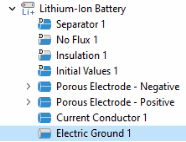
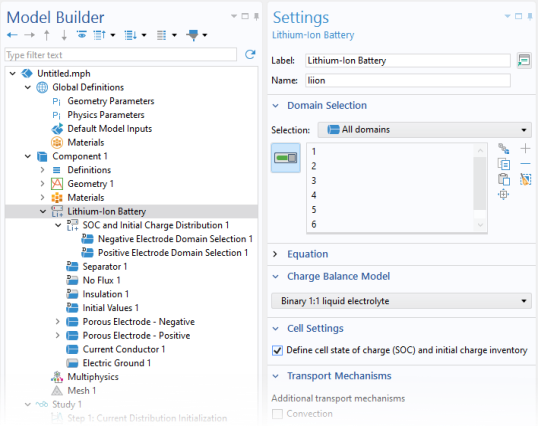
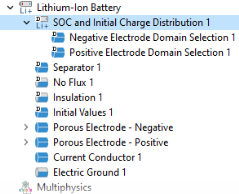
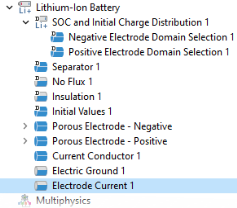
 Boundaries and choose Electrode Current.