Change the Scaling of the Graphics Window
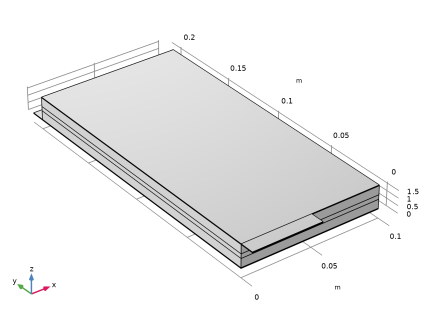
The cell geometry has a high aspect ratio, with the cell thicknesses being very small in relation to the cross-sectional area. To facilitate setting up the physics, change the scaling in the
z
direction as follows:
Camera
1
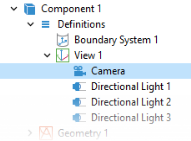
In the Model Builder window, expand the Component 1 > Definitions node, expand the View 1 node, then click Camera.
2
In the Settings window for Camera, locate the Camera section.
3
From the View scale list, choose Manual.
4
In the z scale text field, type
100
.
5
Click
Update.
 Update.