|
1
|
|
2
|
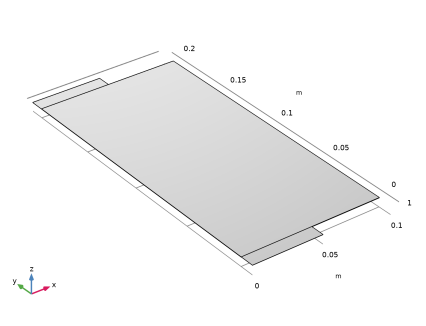
Browse to the model’s Application Libraries folder and double-click the file pouch_cell_utilization_geom_sequence.mph. Note that the location of the files used in this exercise may vary depending on the installation. For example, if the installation is on your hard drive, the file path might be similar to C:\Program Files\COMSOL\COMSOL64\Multiphysics\applications\Battery_Design_Module\Lithium-Ion_Batteries,_Performance\.
|
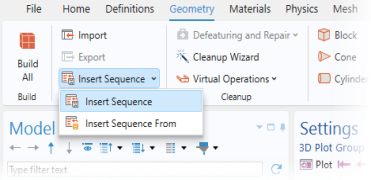
 Build All.