|
1
|
|
2
|
In the Settings window for 3D Plot Group 5, enter Intensity in the Label text field.
|
|
5
|
From the menu, search for Intensity (RMS) or acpr.Ix,acpr.Iy,acpr.Iz. Double-click to add it to the Expression text field (or enter acpr.Ix,acpr.Iy,acpr.Iz in the field).
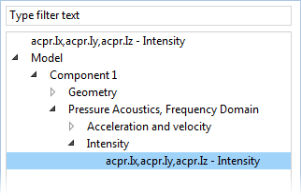 |
|
9
|
In the Settings window for Color Expression enter acpr.I_rms in the Expression text field (replace the default).
|
 .
. .
. button.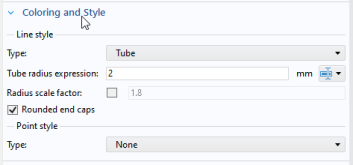
 and choose Color Expression
  .
. .
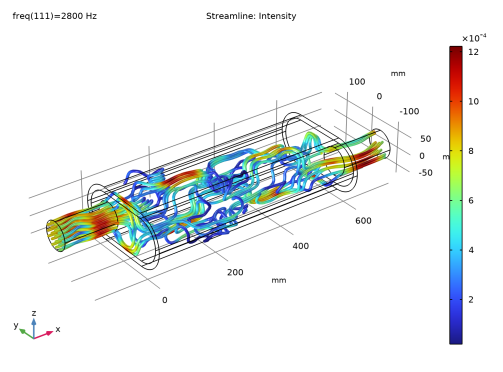
.
 .
.