|
1
|
|
2
|
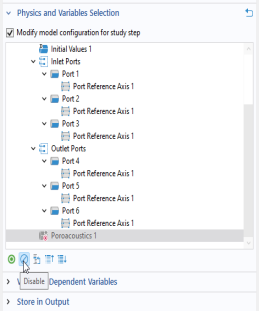
Go to the Settings window for Frequency Domain. Under Study Settings in the Frequencies text field, enter range(50,25,fmax). The list can be generated by selecting the Range button
 , setting Start to 50, Step to 25, and Stop to fmax, then click Replace. , setting Start to 50, Step to 25, and Stop to fmax, then click Replace. |
 .
.
 under the table.
 .
.