Add Material
1
In the Home toolbar click Add Material
.
2
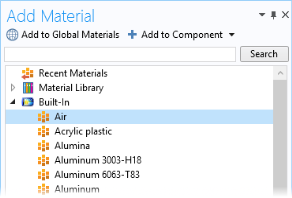
Go to the Add Material window. In the tree under Built-In click Air
.
3
In the Add material window, click
Add to Component.
4
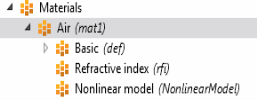
Under Materials click Air
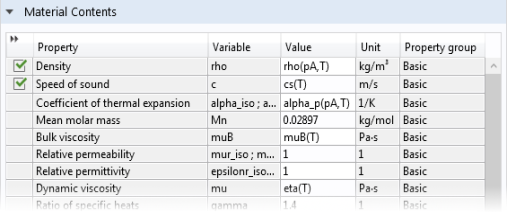
to look at the Material Contents in the Settings window.
The green check marks indicate which material parameters are necessary in the model.
Note
: By default the first material added applies to all domains so the geometric scope settings do not need to be changed.
In the second version of this model, a lining material is needed in Domain 2. For now, the muffler is completely hollow. The liner material is added here.
 .
.
 .
. Add to Component.
 to look at the Material Contents in the Settings window.