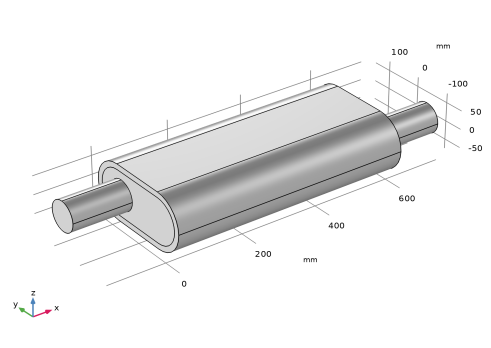
Geometry 1
1
In the Model Builder window, under Component 1 (comp1) click Geometry 1.
2
In the Settings window for Geometry, locate the Units section.
3
From the Length unit list, choose mm.
To save some time, import the geometry sequence from a file. The instructions for setting up the geometry can be found in the Geometry Sequence Instructions section at the bottom of this document.
1
In the Geometry toolbar, click Insert Sequence.
2
Browse to the model’s Application Libraries folder and double-click the file
absorptive_muffler_geom_sequence.mph
.
3
In the Geometry toolbar, click Build All.
Having imported the geometry it can be easily modified as it is parameterized. Simply change the value of a dimension in the parameters list; this will update the geometry automatically. The imported geometry parameters are automatically added to the Parameters 1 node.