Mesh
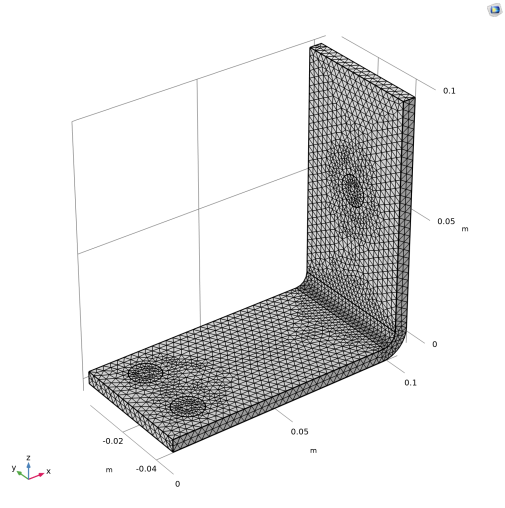
The simplest way to mesh is to create an unstructured tetrahedral mesh, which is perfect for this model. A physics-controlled mesh is created by default. In most cases, it is possible to skip to the Study node and just solve the model. For this exercise, the settings are investigated in order to parameterize the mesh settings.
1
In the Mesh toolbar, click Free Tetrahedral
.
2
In the Model Builder window, click Size.
3
In the Settings window for Size, locate the Element Size section.
4
Click the Custom button. Locate the Element Size Parameters section. In the Maximum element size text field, type
mh
.
5
In the Minimum element size text field, type
mh-mh/3
.
6
In the Curvature factor text field, type
0.2
.
7
In the mesh settings window, click Build All
.
The mesh is shown below.
 .
. .
.