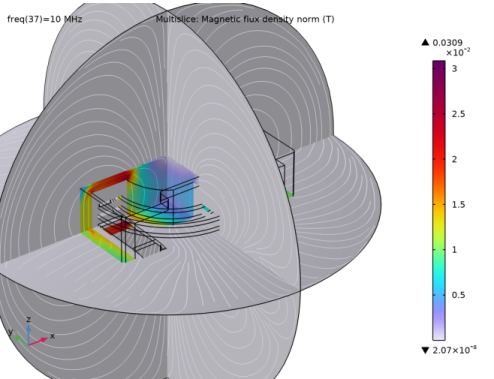
|
1
|
|
1
|
In the Results toolbar click 3D Plot Group
 . In the Settings window, type Surface Current Density in the Label text field . In the Settings window, type Surface Current Density in the Label text field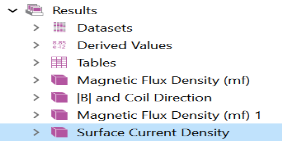 . . |
|
6
|
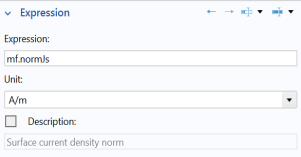
From the menu, choose Model > Component 1 > Magnetic Fields > Currents and charge > mf.normJs - Surface current density norm (when you know the variable name, as in this exercise, you can also enter mf.normJs directly in the Expression text field).
|
|
6
|
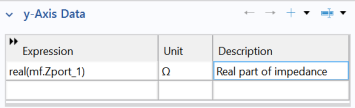
Go to the Settings window for Global. Under y-Axis Data in the Expression column, enter real(mf.Zport_1). In the Description column, enter Real part of impedance.
 |
|
9
|
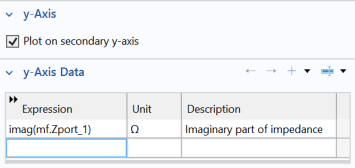
Under y-Axis Data in the Expression column, enter imag(mf.Zport_1). In the Description column, enter Imaginary part of impedance.
 |
 and choose Duplicate
  .
. and choose Selection.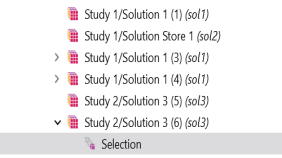
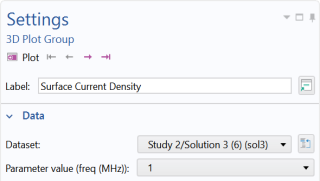
 and choose Surface
  .
. .
.
 button.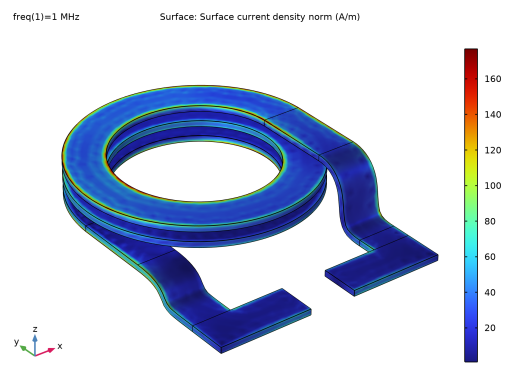
 .
. .
. to see what variables are available in the predefined lists. In this case, you can enter the information directly into the table.
 again to add a plot for the imaginary part of impedance. Alternatively you can duplicate the previous node.
 button.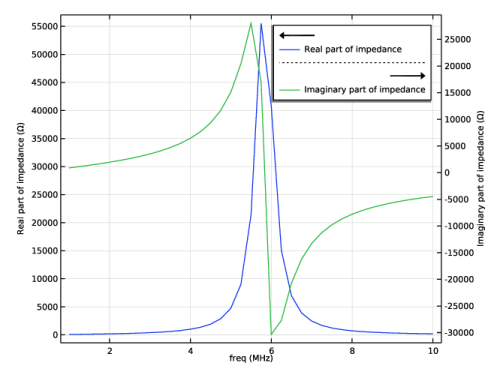
 .
.