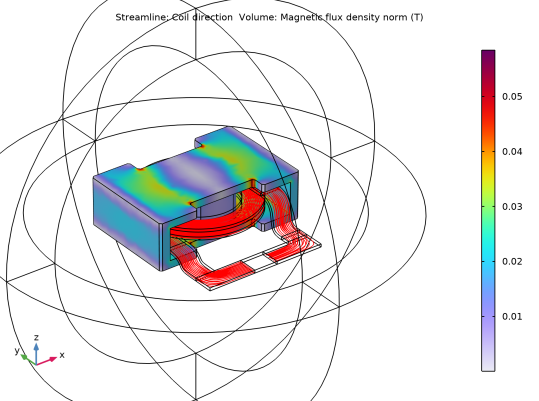
|
1
|
|
4
|
Under Selection, click the Paste Selection button
 and enter 58 in the Selection text field. and enter 58 in the Selection text field. |
|
5
|
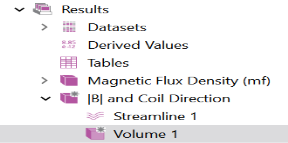
 and choose Duplicate
  .
. and choose Selection. A Selection node is added to the Model Builder.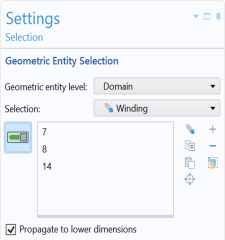
 and choose Duplicate
  .
. and choose Selection. A Selection node is added to the Model Builder.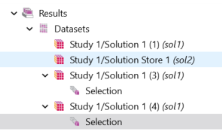
 .
. .
.
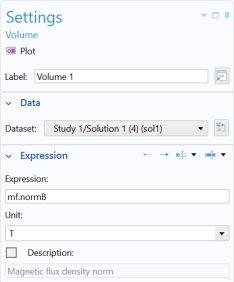
 in the upper-right corner of the Expression section. From the menu, choose Component 1 > Magnetic Fields > Coil parameters > mf.coil1.eCoilx,...,mf.coil1.eCoilz - Coil direction.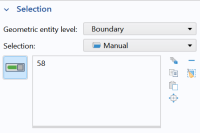
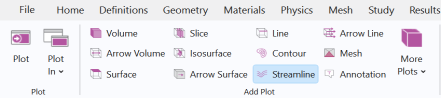
 and choose Volume
  .
.
 button.
 button once. Click also the Show Grid
  button to toggle off the grid.