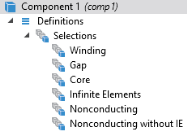
|
1
|
 and enter the information in the Selection text field. In this example for the Explicit 1 node, enter 7,8,14 in the Paste Selection window. For more information about selecting geometric entities in the Graphics window, see the COMSOL Multiphysics Reference Manual.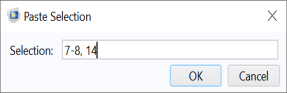
 .
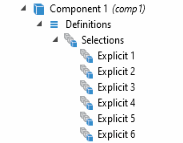
. . Or right-click the first Explicit node and select Duplicate
  .
.
 to open the Settings window.