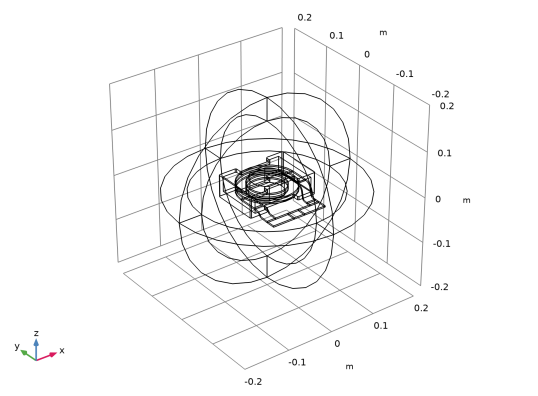
|
1
|
|
2
|
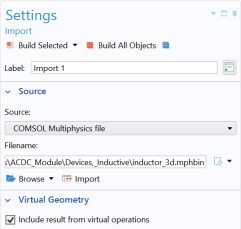
In the Settings window under Import, click Browse. Then navigate to your COMSOL Multiphysics installation folder, locate the subfolder ACDC_Module\Devices,_Inductive, select the file inductor_3d.mphbin and click Open.
|
 .
.
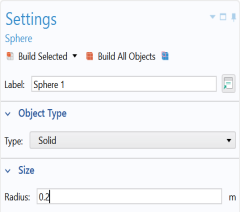
 .
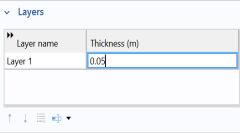
.
 button.
 .
. .
. button and then the Wireframe Rendering
  button.