Importing the Geometry
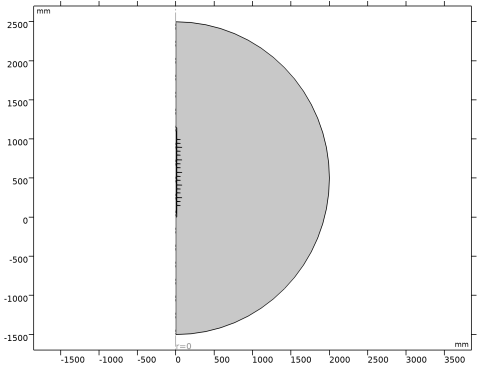
The next step is to create your geometry, which also can be imported from an external program. COMSOL Multiphysics supports a multitude of CAD programs and file formats. In this example, import the geometry sequence from the COMSOL Multiphysics file format (.mph).
Note: The location of the files used in this exercise varies based on your installation. For example, if the installation is on your hard drive, the file path might be similar to C:\Program Files\COMSOL\COMSOL64\Multiphysics\applications\.
1
2
Then navigate to your COMSOL Multiphysics installation folder, locate the subfolder ACDC_Module\Devices,_Capacitive and double-click the file high_voltage_insulator_geom_sequence.mph.
3
4