You are viewing the documentation for an older COMSOL version. The latest version is available here.
Viewing Material Property Information
For all properties contained in the Material Library, you can view applicable literature references, notes, and reference temperatures in the Material Browser’s Property reference section.
1
2
Under Material Library, click to select a material. For example, Nitrogen. The information about this material displays on the right-hand side of the window.
3
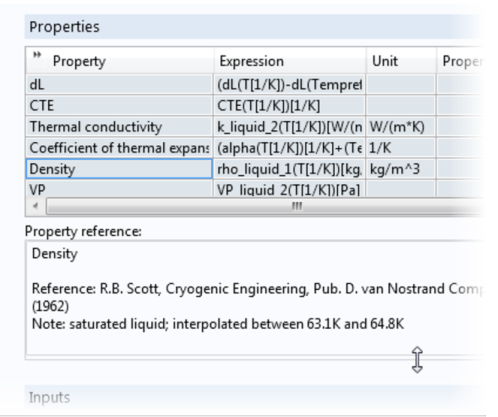
Under Properties in the table, click a Property to see its references in the Property reference section. See Figure 2-12.
Figure 2-12: An example of where you can find the property reference information for a material. In this example, Density has this information available in the Property reference section. You can hover over the section and drag to expand it if required.