|
1
|
|
2
|
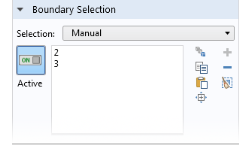
Select Boundary 1, which represents the inlet.
|
|
4
|
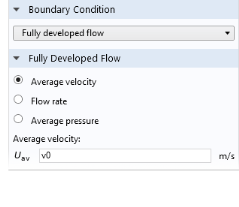
Locate the Fully Developed Flow section. In the Uav text field, type v0 (which you defined as a Global Parameter).
|
|
2
|
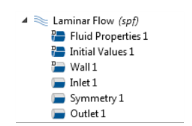
 and choose Inlet
  .
.
 and choose Symmetry
  .
. and choose Outlet
  .
.